
Routster Studio
Map frames
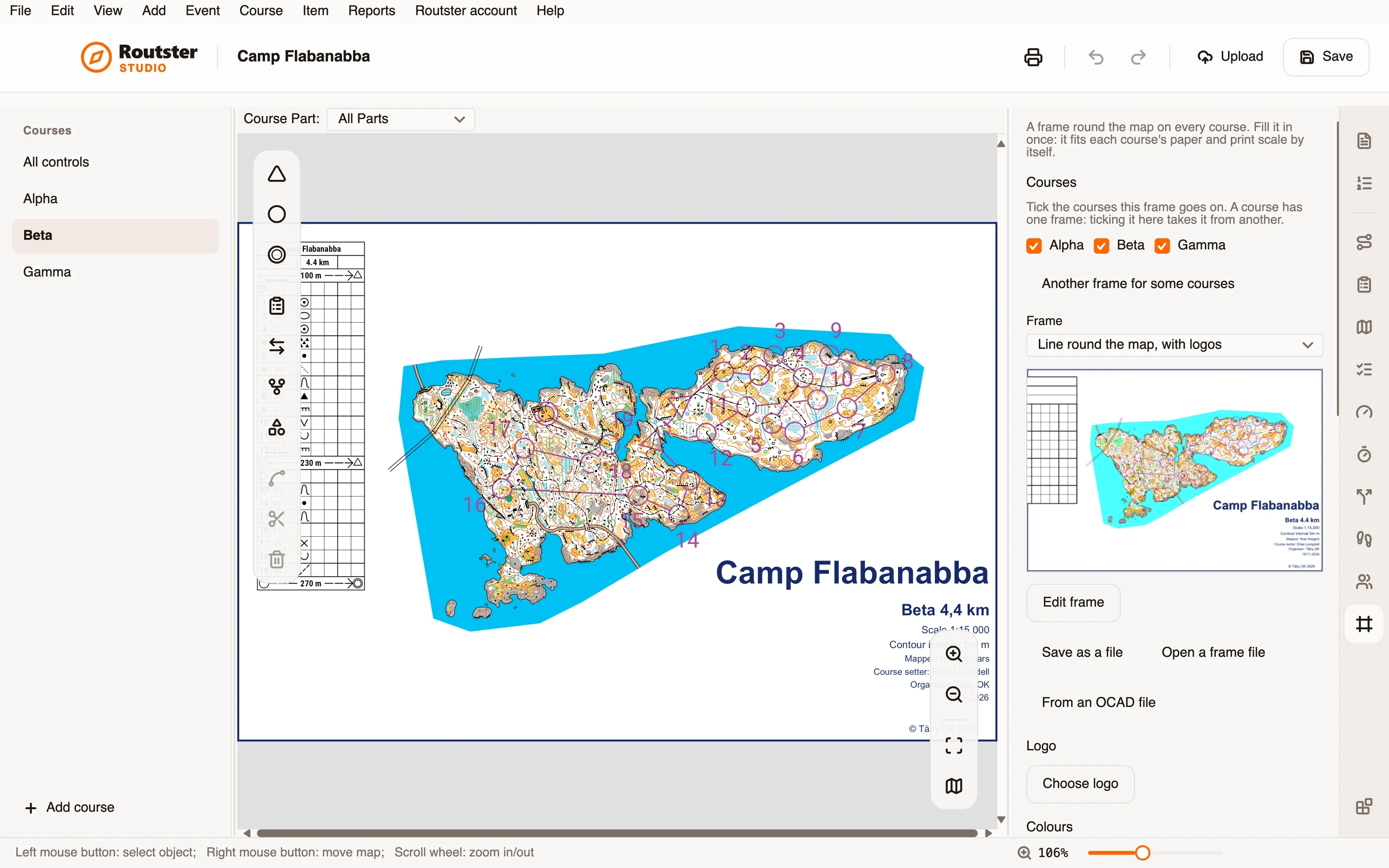
Puts a frame round the map on every course: the title, the club logo, the mapper and setter, sponsors. Filled in once per event, it fits each course's paper and print scale by itself.
What it does
Choose one of the ready frames, a strip along the foot, a box in the corner, a band along the top, a border with a side panel, or a competition frame with logos all round. Add the club's logo and take the frame's colours from it in one press, and fill in the mapper, the setter, the controller and the rest once for the event. The event title, each course's name and length, and the print scale are filled in for every course by themselves.
A frame is laid out on paper, so it looks the same on A4 and A3 and at every print scale. It goes on every course's page as one step you can undo, and when a course's paper or scale changes, Studio says so and fits it again. If part of a frame has no room except over a course, nothing goes on until you say whether to put it on anyway or leave those parts out.
It can cut each course's map to the course, to a box, following the controls or drawn by hand, so the frame has white paper to sit on, and put each course's control description sheet in the frame. Different courses can have different frames. Edit frame opens the page as it prints, to add texts, panels, shapes, logos and sponsor boxes and keep the result among your own frames; a frame can be saved as a file for others, or made from an OCAD file's layout.
How you use it
- Install the module from Studio's Modules page, and open its page from the rail beside the inspector.
- Choose a frame, add the club's logo, and press Take colours from the logo.
- Fill in the boxes under Filled in on the map, and add sponsor logos.
- Press Put on the map. Change anything later and press Update the map.
- Print as usual: the frame is part of each course's page.
What it needs, and what it does not do
- It needs Studio 0.14.0 or newer.
- A frame shared with the whole club through a club library is not built yet: for now a frame is shared as a file.
- It draws with what a course's page can hold: texts, lines, panels and pictures. A frame made from an OCAD layout may need tidying in the editor.